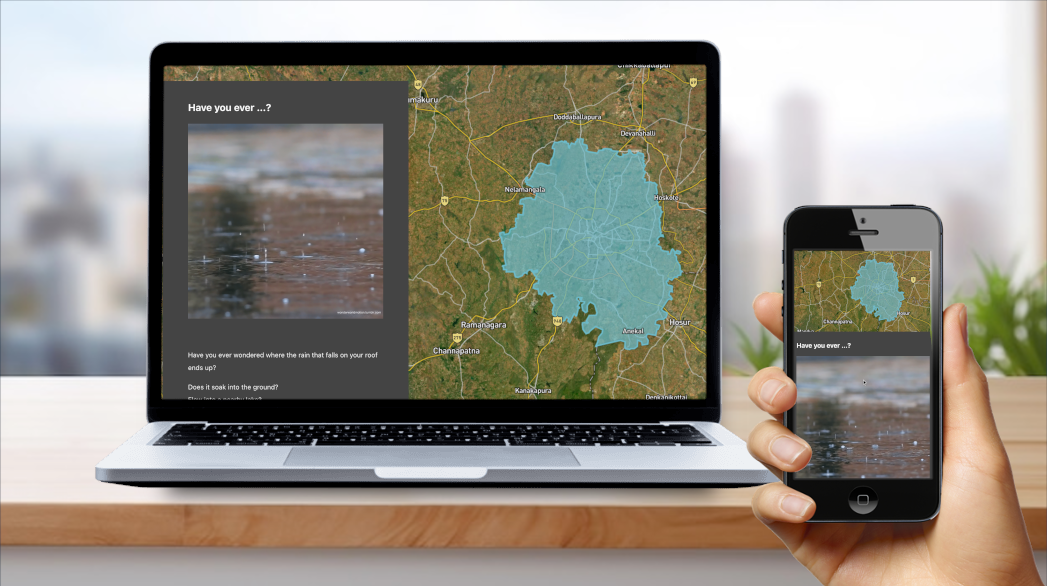
We’ve made some significant changes to Terraso Story Maps that improve the experience of creating and viewing story maps — especially on mobile devices.
See what’s important, no matter your screen size.
Working with feedback from our community, we’ve made two big changes to dramatically improve the viewing experience of story maps.
When screen sizes get small enough, Terraso Story Maps now pins the map to the top of your screen, so chapters never obscure important map information. Viewers on smartphones can also expand the map to full-screen.

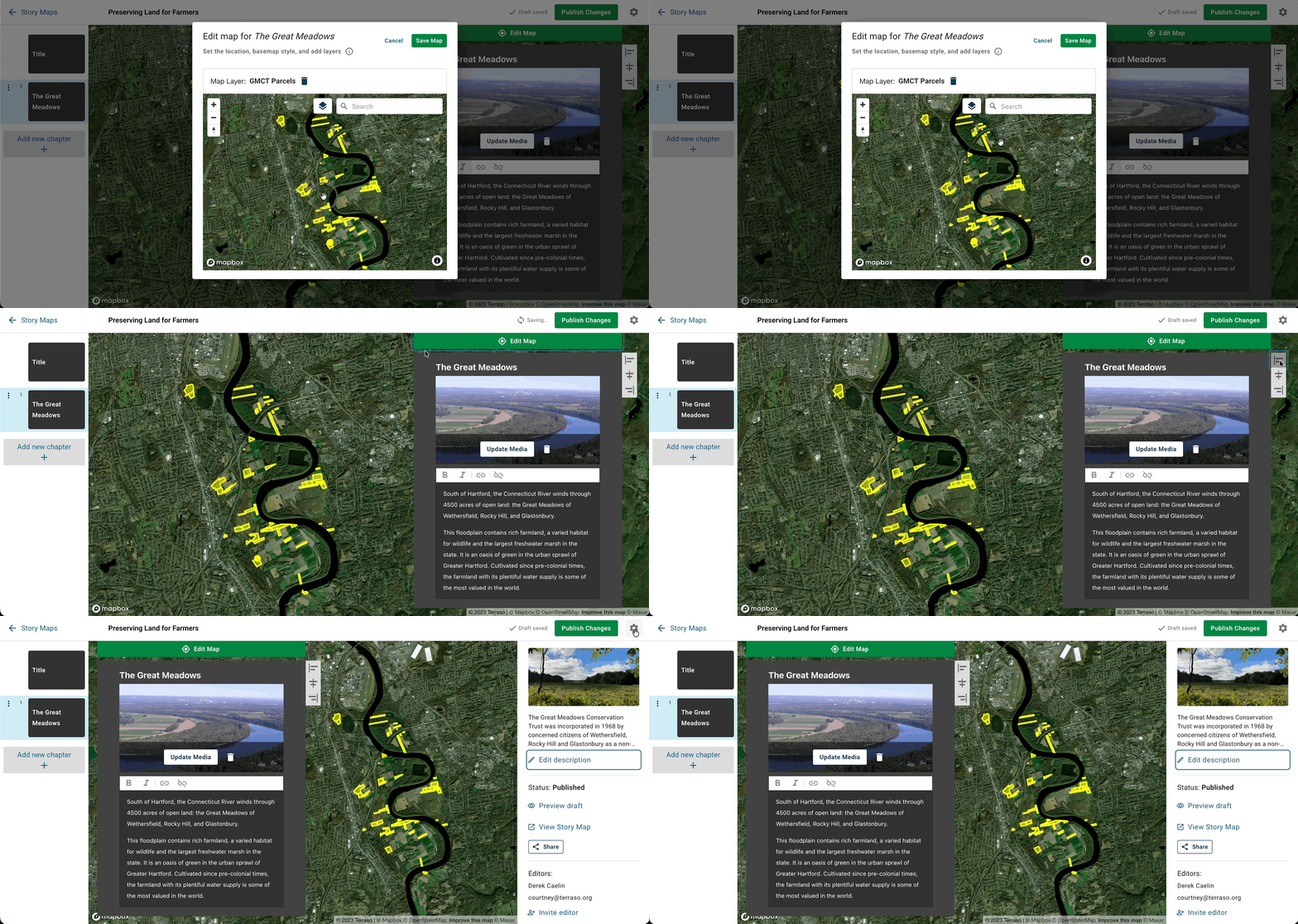
We’ve also introduced the ability for map editors to define the area of interest of every chapter. This means that your audience will always see the part of the map that you indicate is important, even if they are on a device with an entirely different screen size. If you change the position of a chapter,the map repositions automatically to show the area you’ve designated. These changes apply to all published story maps. If in the past you’ve wished your story map could look better on a small screen, we recommend you re-open your story map and fine-tune the focus for each chapter.
Together, these changes make a remarkable upgrade for story map viewers of all screen sizes, especially those with mobile phones. Your story will come through more clearly, and mobile users will better appreciate the maps that drive your narrative.
Focus on what matters with a reorganized app.

Terraso has grown well beyond its roots as a landscape-collaboration app, and we’ve reorganized the dashboard to reflect this. Now your story maps are front and center on the dashboard, so you can rapidly get right away to creating place-based stories. We’ve even changed the logo you see when you use the app. We remain committed to supporting landscapes and groups, and have plans to deepen the ties between these features and the core story-telling experience.
As we add features, we’ve moved some options for managing your story maps into a collapsible sidebar. From the new sidebar, you can set your featured image and description, invite collaborators, and publish or share your story map. Collapse it when you’re done, so you can focus on building your narrative. Not only does this improve workflow; it lays the foundation for a mobile editing experience.

Our user community guides our roadmap. We offer thanks in particular to Panni Earth, Reap Benefit, and the Aldea Foundation for providing feedback on Terraso Story Maps and advocating for a focus on the experience for multiple screens. We also thank Mapbox for their continued support of Terraso through their mapping technology. If you have feature requests or comments or simply wish to get in touch, please don’t hesitate to contact us.