To add a group to Terraso Story Maps, click on the “Groups” tab in the main menu and click “Create Group”. Any user can add a group to Terraso Story Maps.
Fill out the group profile
Enter the following details in the group profile form:
- Name (required)
- Description (required)
- Email address
- Website
- Membership type – choose whether the group has open or closed membership.
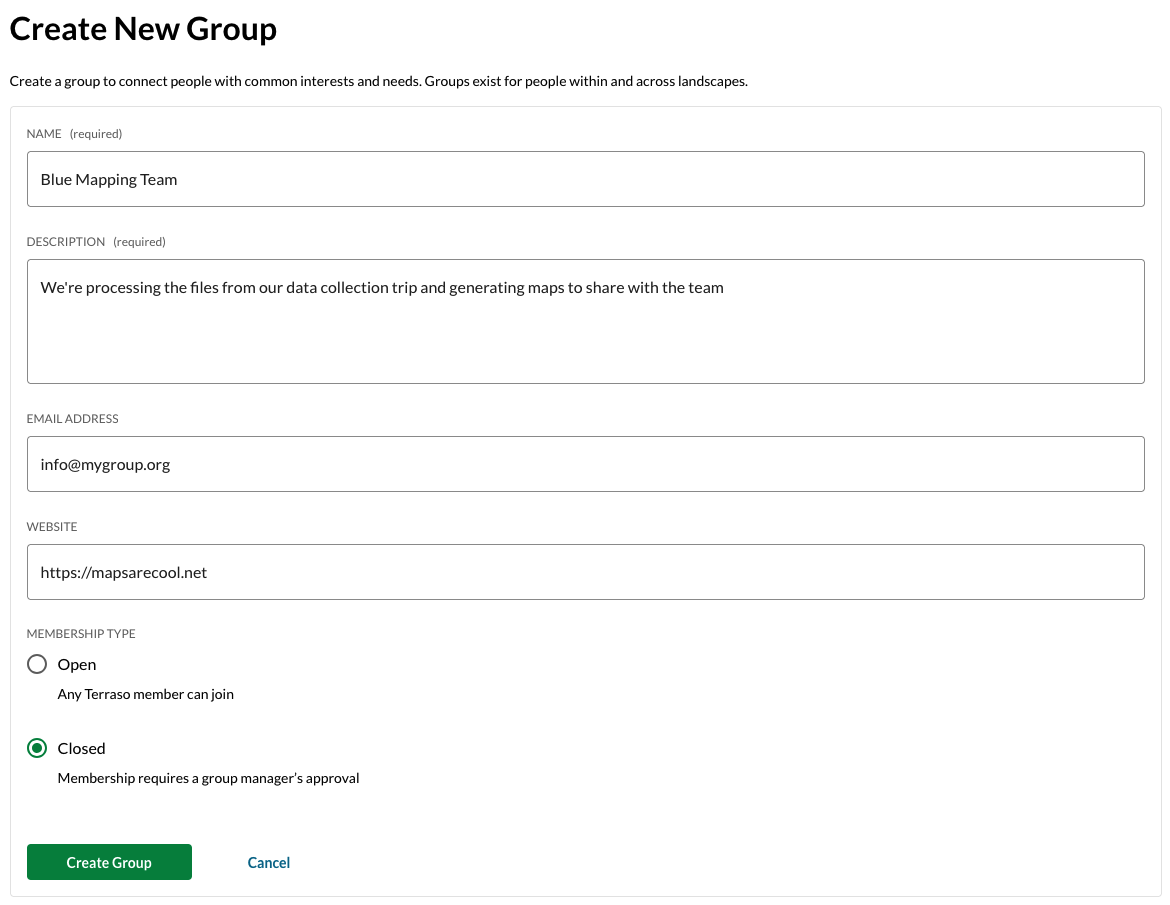
This information will be displayed in the group directory and can be updated by the manager. The person who creates the group will be its first manager.