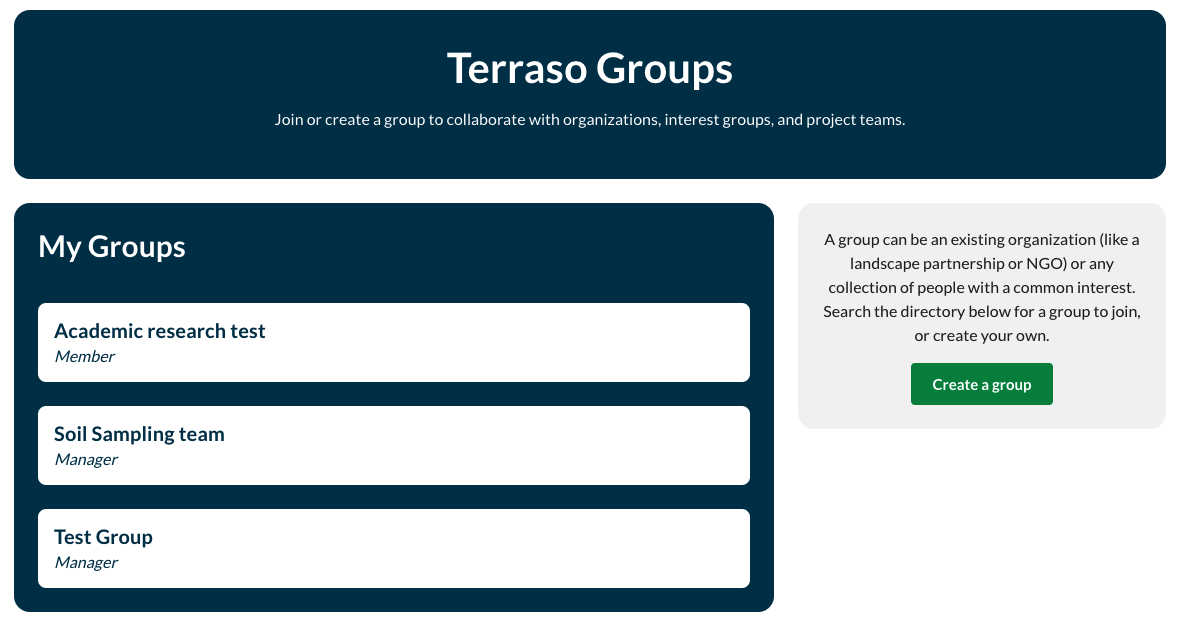
Terraso groups allow you to share data, media, and narrative for creating story maps with collaborators.
Group directory
If there’s already a group you want to join, you can find it on Terraso Story Maps directory. On the Groups tab, scroll down to view the directory. Use the search button to find a group by name.
Once you find a group you want to join, you can click on the name of the group to read the description, join an open group, or request to join a closed group.

When you request to join a closed group a manager of the group will receive an email and will accept or decline.

Want to start your own group? Learn how to create one.
My Groups
Once you have joined a group, it will be listed under “My Groups” on the Groups tab.