Join a Terraso landscape with collaborators to share data, media, and narrative for writing story maps.
Landscapes are “open” entities in Terraso Story Maps, meaning any member can join.
Landscape directory
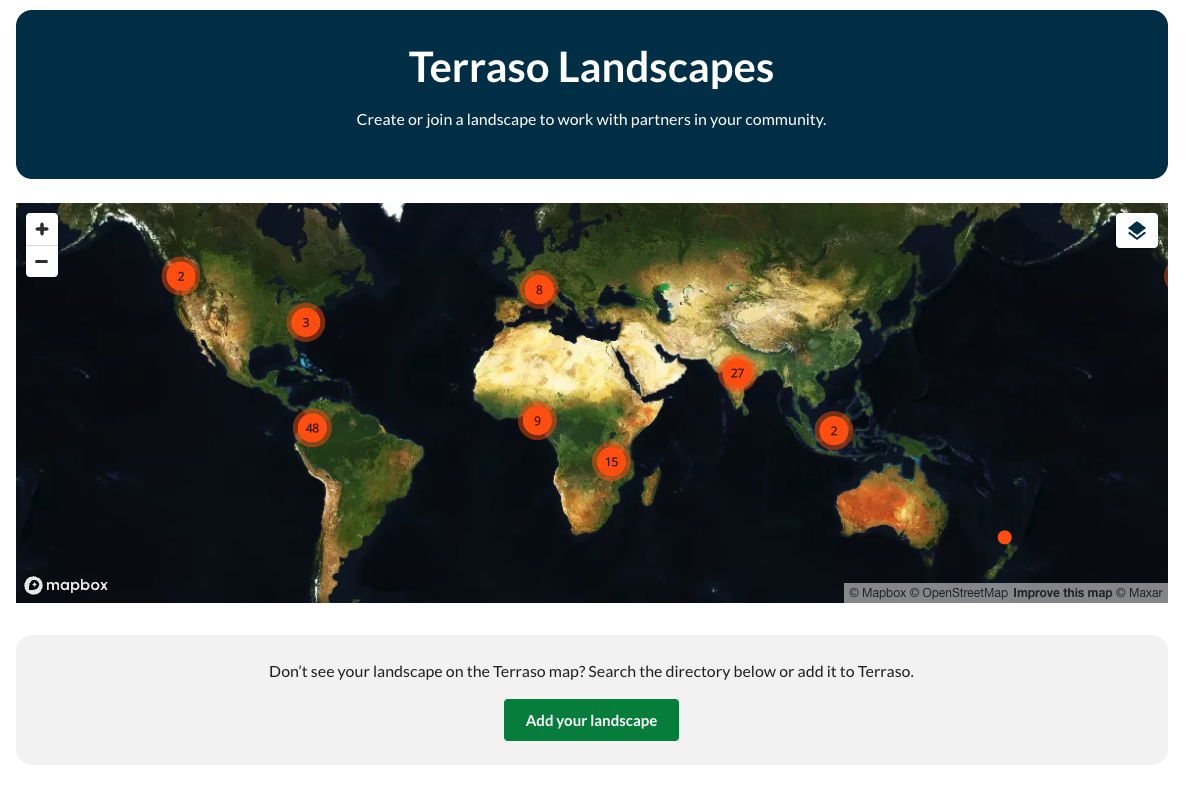
To see if your landscape is already listed in Terraso Story Maps, you can find it in the Terraso Landscape Directory. On the “Landscapes” tab, use the map to find your landscape or search for it in the list below the map.
Search for a landscape, review its profile, and click “Join” to get started collaborating.
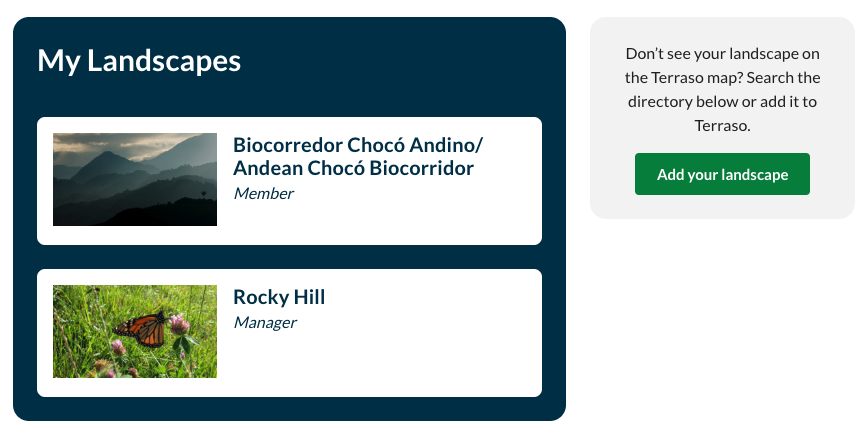
My Landscapes
Once you have joined a landscape, it will be listed under “My Landscapes” on the Landscapes tab.
Don’t see your landscape listed? Add it so your community has a home for its story maps.