Terraso uses secure single sign-on (SSO) to protect your account. Sign in using your existing accounts to get started.
Single sign on
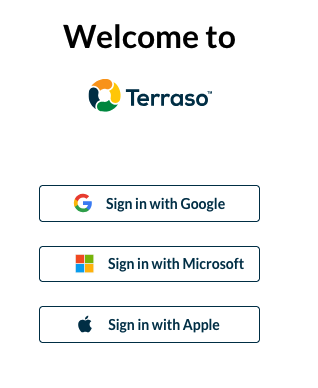
Terraso supports three sign-in providers: Google, Microsoft, and Apple.
Your Terraso account works across all Terraso apps, including Terraso Story Maps and LandPKS Soil ID. You only need to create one account to access all features.
First time signing In
When you sign in to Terraso for the first time, you’ll be asked to complete your account profile by providing your name and other details.
Accessing your account later
To manage your account settings in the future, click on your name in the header menu. There you can update your profile information, preferred language, and notification preferences.