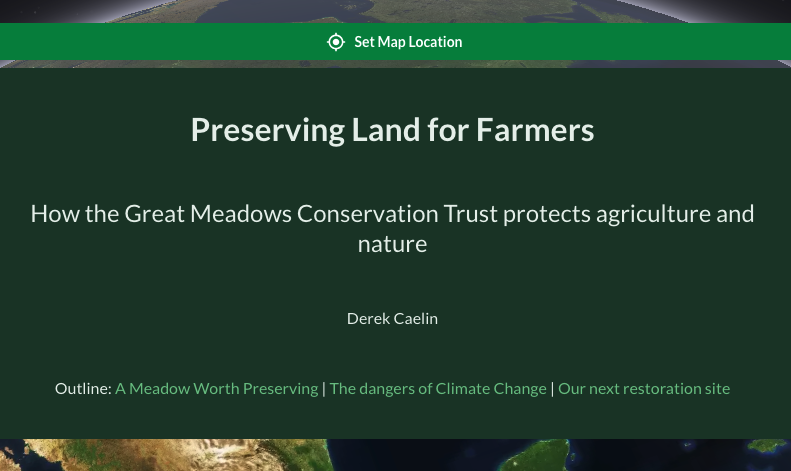
Every story map starts with a title. The title appears at the top of your story and in any links or previews shared with others. Your story map title also defines its URL, so be sure to update your links if you ever change your story map’s title.
- Title – Enter a descriptive name for your story map
- Subtitle – Add a brief subtitle that provides additional context.
- Author – Describe who created the story. This defaults to the name of the person who started the story map.
- Table of contents – Automatically created links allowing readers to jump directly to specific chapters.