Each chapter has a map location that appears along with your story map chapter content. On a chapter, click “Edit map” to set the location, zoom level, pitch, and bearing, as well as to add layers of data.
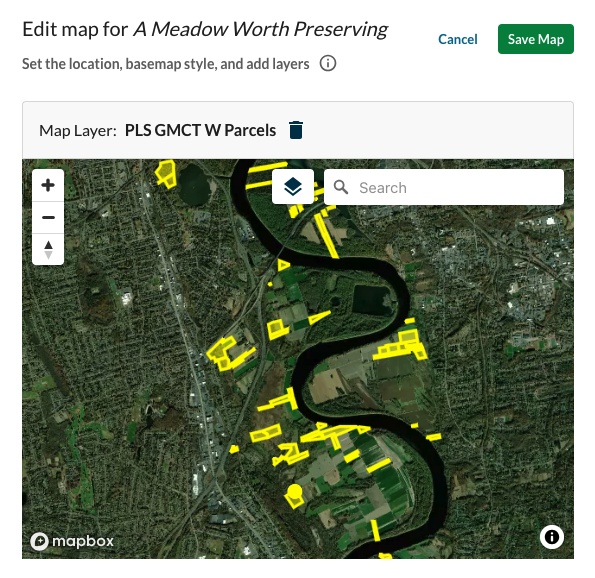
Set the location
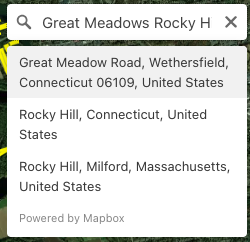
Search by feature: Search for a place name, address, or landmark. Select from the results to center the map on that location.
Search by coordinates: Enter latitude and longitude coordinates directly for precise positioning.
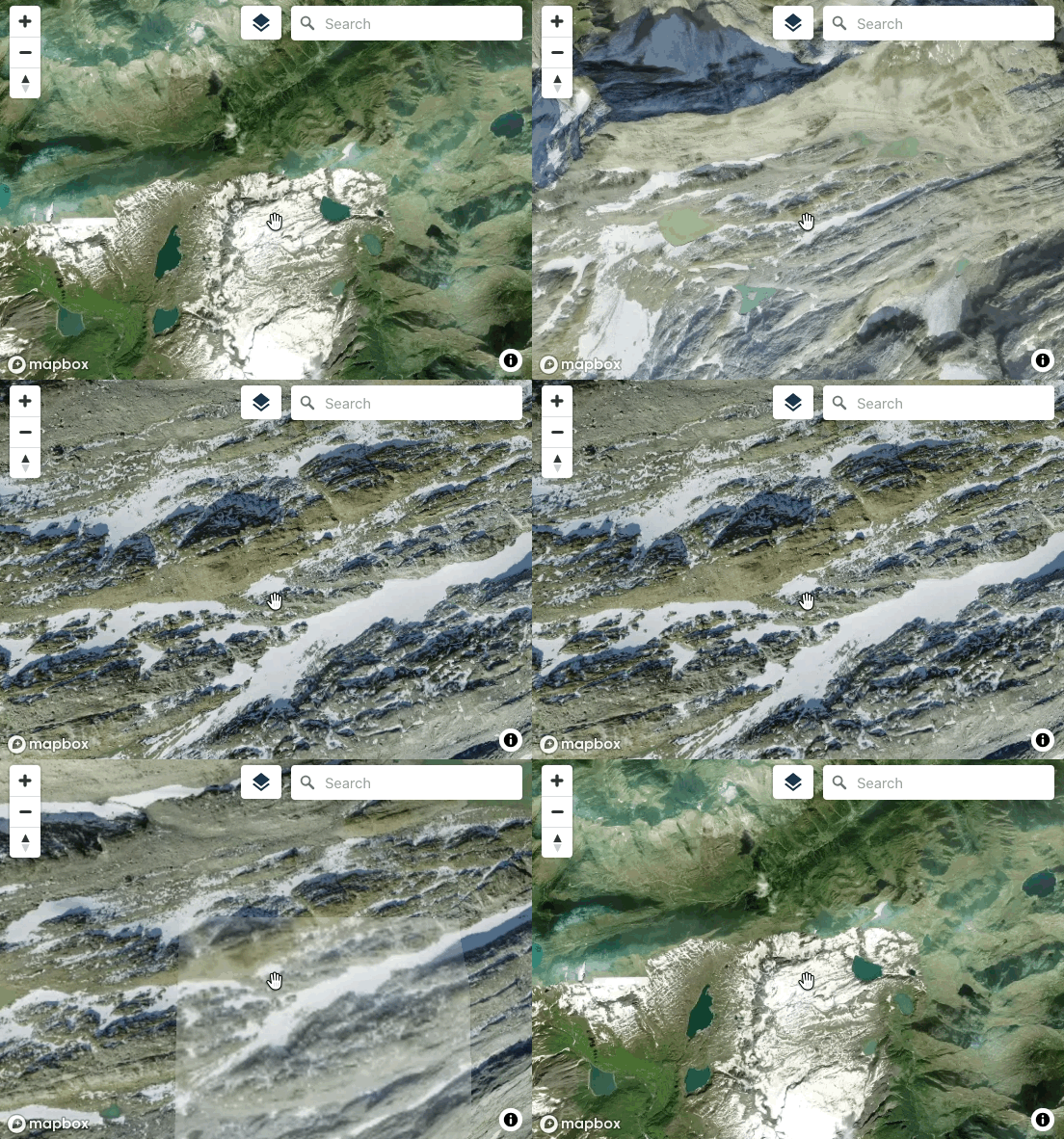
Drag: Click and drag the map to reposition it.

Set the zoom level
Use the scroll wheel or the + / – buttons to zoom in and out.
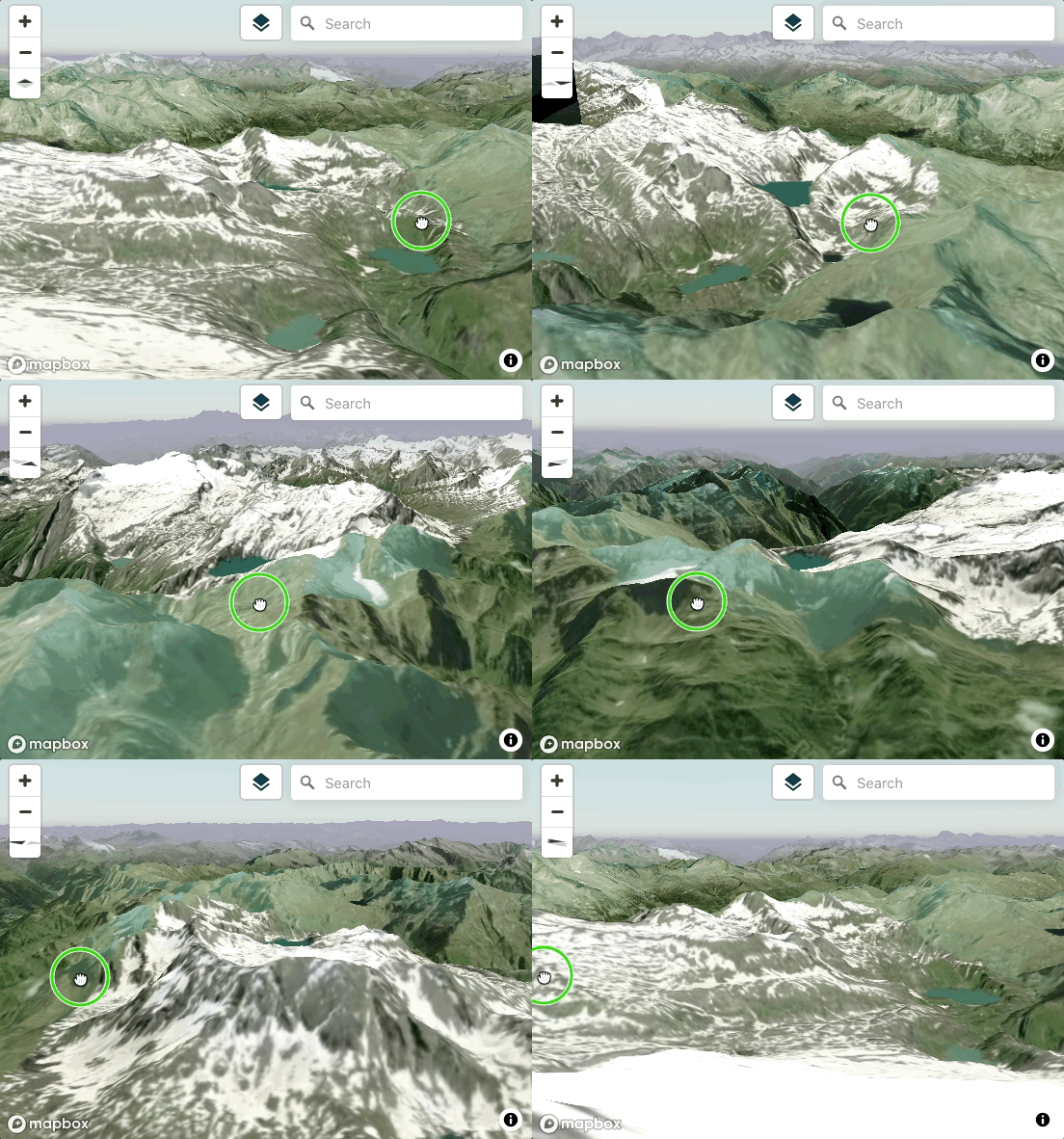
Set the pitch

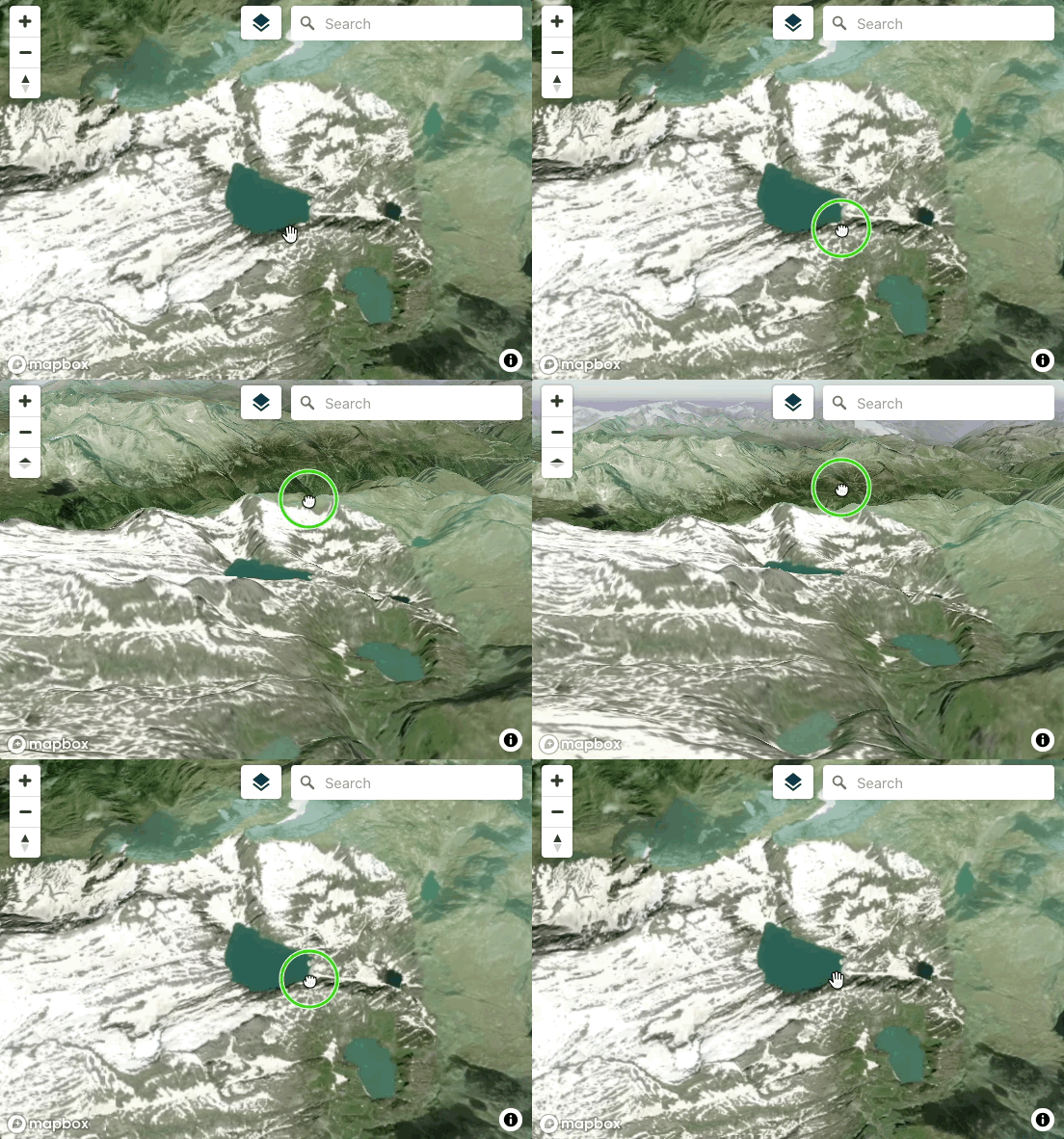
Click and drag on the compass arrows or right-click on the map and drag to adjust the viewing angle from straight down to horizontal. Lower pitches can create a more dramatic, three-dimensional perspective, especially when the landscape varies in height.
Set the bearing
Rotate the map compass direction. Bearing controls which direction is “up” on the screen.
Set the base map style
Choose from several base map styles to provide the visual foundation your story map.
Note: Changes to the base map apply to the entire story map.
Satellite
The default base map provides satellite imagery without labels or any annotation.

Satellite and Streets
The Satellite and Streets base map overlays streets and location names to the satellite map.

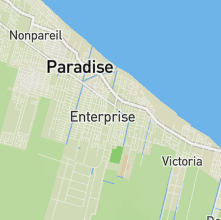
Streets and Topography
The Streets and Topography base map overlays streets and location names to a base map best suited for urban and other dense environments.
Add a map layer
Click “Add Map Layer” to select or edit a map layer to be displayed over the base map for this chapter.